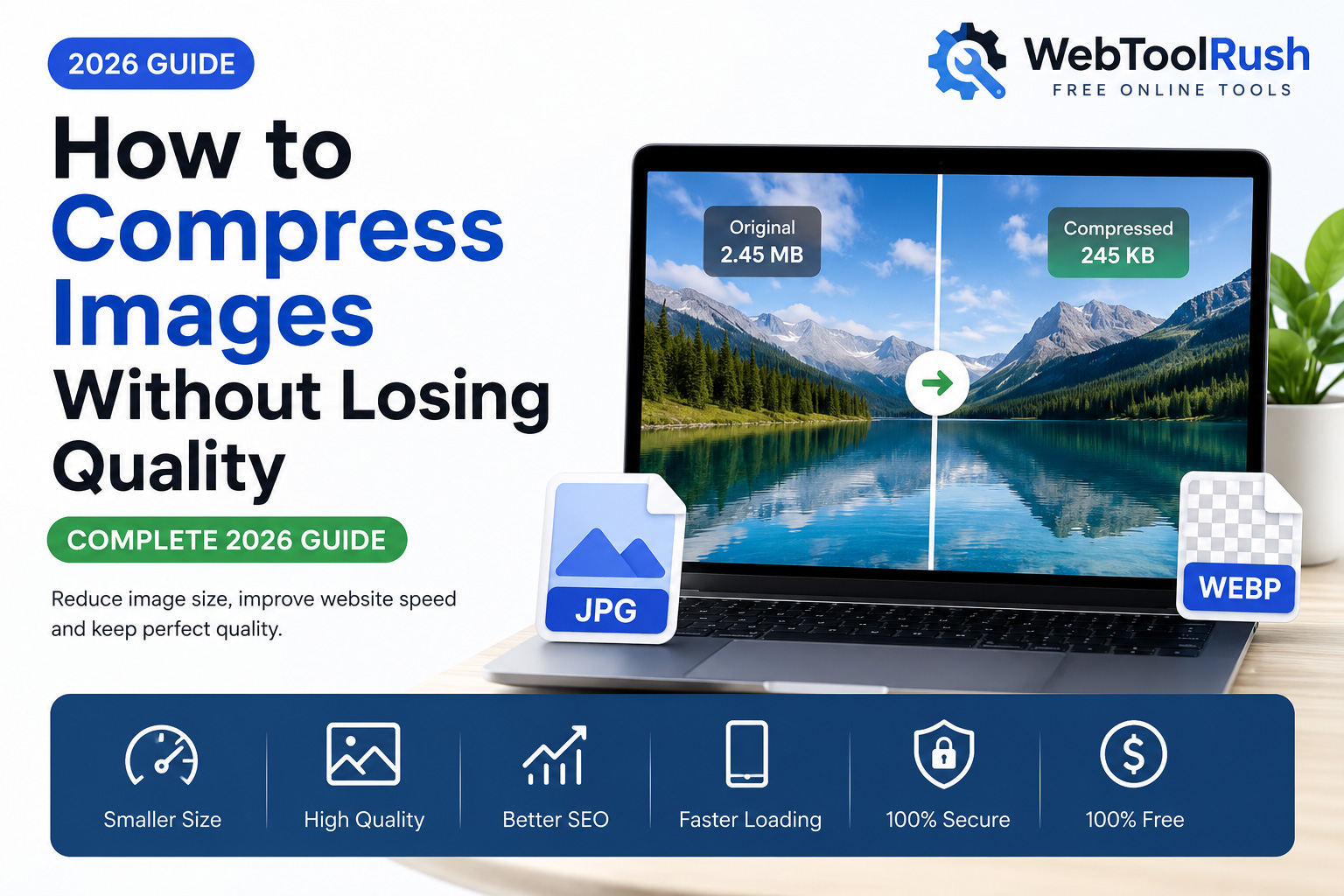
How to Compress Images Without Losing Quality 2026 Complete Guide
Images help to capture the interest of visitors, develop the user experience, and build an understanding of the website. But, the larger the image, the lower the performance of the website, the longer it takes to load, and the lower your rating with search engines.
Luckily, you can keep quality and reduce size with modern methods of image compression.
This 2026 updated guide will teach you common image compression mistakes, how to use image compression, the difference between lossy and lossless image compression, how to do image compression, what the best formats are, how to accomplish the fastest image compression, and all the other essentials of image compression using online resources.
Table of Contents
What is Image Compression?
Why Image Compression Matters
Lossy vs Lossless Compression
Best Image Formats
How to Compress Images Without Losing Quality
Common Image Compression Mistakes
Best Free Image Compression Tool
Frequently Asked Questions
Final Thoughts
What is Image Compression?
The size of an image file can be dramatically reduced through image compression without much change to the way it looks. The performance of a website can be negatively affected by the large size of image files. Smaller images also take up less storage space.
Almost all data can be removed from a compressed image, and it will look almost identical to the original image.
Common uses of image compression include:
- Websites
- Blogs
- Online Stores
- Social Media
- Mobile Applications
Why Image Compression Matters
Image compression has a critical impact on website performance. Perks consist of:
- Quicker loading pages
- Enhanced Google Core Web Vitals
- Better positioned SEO
- Less bandwidth
- Improved performance on mobile devices
- Better user experience
- Higher conversion rates
- Higher rates can come just from reducing an image from 4 MB to 500 KB.
Compression Types
Lossy Compression
With this compression type, unwanted image info is removed and that info is most likely not noticeable to the users. The file size is now more compact.
Best Type for:
- JPEG Images
- Photos in a Blog
- Images in a Website
- Website Banners
- Photos of a Product
Lossless Compression
With this compression type, the file size is now smaller and image info is not removed.
Best Type for:
- PNG Images
- Icons
- Logos
- Images that are Transparent
Best Image Formats
JPEG
Best for:
- Photography
- Travel Images
- Product Images
- Blogs
Advantages
- Small file size
- Good quality
- Universal support
PNG
Best for:
- Logos
- Graphics
- Transparent Images
Advantages
-Lossless quality
-Transparency support
WebP
WebP is Google’s modern image format.
Benefits:
- Smaller than JPEG
- Better quality
- Faster websites
- Better SEO performance
How to Compress Images Without Losing Quality
Follow these simple steps:
Step 1
Choose a reliable image compression tool.
Step 2
Upload your image.
Step 3
Select the compression level.
Step 4
Preview the compressed image.
Step 5
Download the optimized version.
With WebToolRush, the entire process takes only a few seconds.
Best Practices for Website Images
Always:
Resize images before uploading.
Compress every image.
Use WebP whenever possible.
Add descriptive file names.
Write proper ALT text.
Enable lazy loading.
Use responsive images.
Common Mistakes
Avoid these mistakes:
❌ Uploading 5 MB images
❌ Using PNG for photographs
❌ Compressing multiple times
❌ Uploading camera originals
❌ Ignoring mobile users
❌ Forgetting image dimensions
Best Free Image Compression Tool
If you’re looking for a simple solution, try the WebToolRush Image Compressor.
Features:
Free forever
No registration
Fast compression
High-quality output
Secure browser-based processing
Supports JPEG, PNG, and WebP
Mobile-friendly
Instant download
Commonly Asked Questions
Does image compression affect image quality?
Most image compression tools will reduce image file size with a negligible difference, if any, in the quality of the image as seen by the user.
What is the best image file format for websites?
WebP is the best image file format as it has the best image quality with the smallest file size.
How does image compression affect SEO?
Image compression is good for SEO because images that take up less space improve page speed and the overall user experience, which improves SEO.
Can I compress a PNG file?
Yes, PNG files can be compressed with lossless compression and still maintain their transparency.
Is WebToolRush Image Compressor free?
The tool is completely free and works directly in your browser.
Final Considerations
Image compression can help speed up a website and image SEO which benefits website users and image users. Image compression can help all types of websites.
Modern compression methods and the appropriate image format can optimize an image without hindering the visual quality of an image. Image formats can build more effective and faster websites.
If you are looking for an easy and free solution, the WebToolRush Image Compressor can quickly reduce the size of images in your browser with great quality.